
How it works
From checkout to your first cut in four steps.
Motionry is built for working editors. No subscriptions, no activation headaches — just buy once, install the pack, and start creating in Premiere Pro or After Effects.
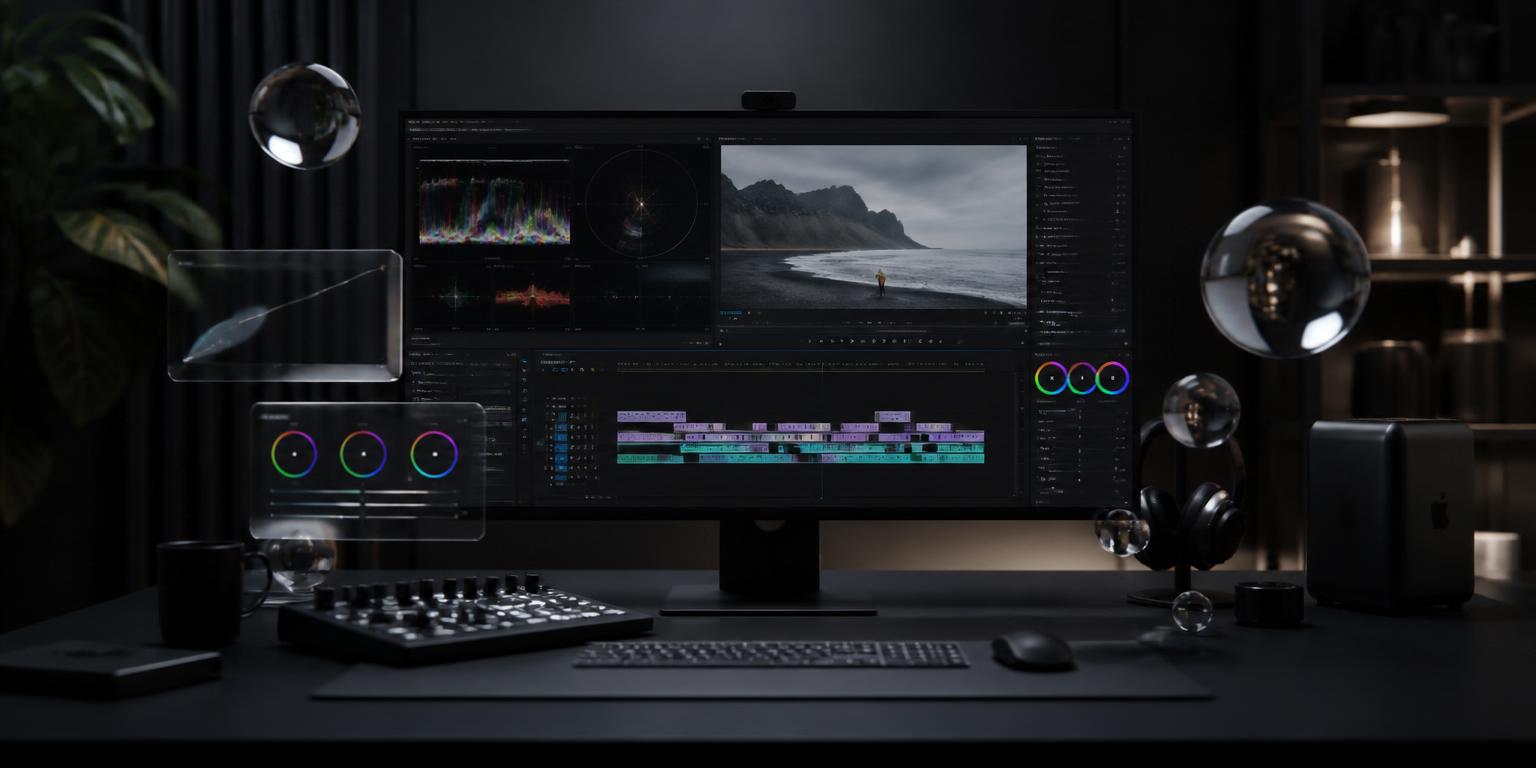
Download → Install → Activate → Create
The same workflow our Lisbon studio uses on every client project. Designed to get you editing, not reading manuals.
DownloadInstant delivery
After checkout you receive an email with a secure download link, your license key, and the Motionry Manager installer. No waiting, no physical shipping — everything is ready immediately.
Includes plugin files, LUTs, sound cues, PDF guide and the Manager app for macOS & Windows.
Install2 minutes
Run the Motionry Manager. It auto-detects your Premiere Pro and After Effects versions and copies presets, plugins and LUTs into the correct folders — no manual dragging required.
Works alongside your existing plugins. A backup of current settings is created before any change.
ActivateOne key
Enter your license key once inside the host app. A single seat covers two machines you own, like a desktop and a laptop. No recurring check-ins needed after activation.
Moving to a new machine? Deactivate the old one from your account or email us — we handle it in minutes.
CreateForever
Open Premiere Pro or After Effects and find Motionry panels, transitions, titles and LUTs right where you expect them. Drag, drop, grade and finish — the toolkit is yours to keep.
Free minor updates are included for the active update window of your pack.
What you get with every purchase
Each pack is a complete production toolkit, not a loose folder of files. Everything is organized, documented and ready to drop into your workflow.
Plugin installer & Manager app
One installer handles detection, placement and updates across macOS and Windows.
Host-app panels
Native Premiere Pro and After Effects panels for transitions, titles, LUTs and sound cues.
.cube LUT files
Standard 33-point cube LUTs that also work in DaVinci Resolve, Final Cut Pro and Baselight.
PDF quick-start guide
Short, visual install instructions plus a shortcut cheat sheet for your pack.
Lifetime license key
Activate on up to two personal machines. Commercial use is included for the seat owner.
Ready to start?
Pick the pack that fits your workflow. Every purchase follows the same four steps — buy once, own forever.
- One-time purchase, no subscription
- Commercial license included
- 14-day refund if it doesn't fit
- 24-hour human support on business days